The Complete Stocky Migration Guide for Shopify Sellers
Step-by-step guide to migrating off Stocky before its August 31, 2026 shutdown. Data export, evaluating alternatives, and transitioning smoothly without losing historical inventory data.
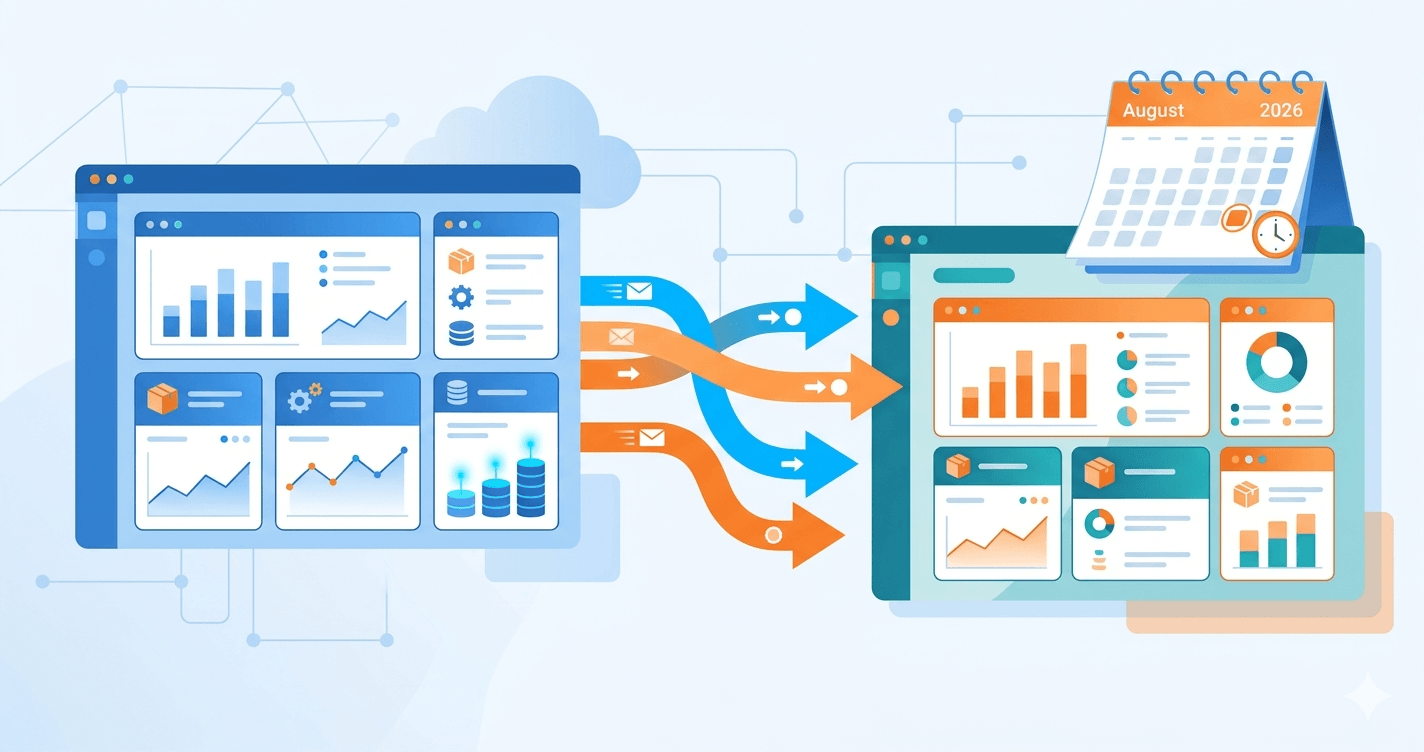
If you're reading this, you've probably received the email, seen the notice, or heard from another Shopify seller: Stocky is shutting down on August 31, 2026.
For some stores, this is a minor inconvenience. For others, it's a genuinely stressful migration that touches years of purchase order history, supplier relationships, cost data, and forecasting workflows.
This guide walks you through everything you need to do between now and August 2026 to migrate off Stocky cleanly, without losing data, breaking Q4, or rushing into the wrong replacement tool. For a full breakdown of what shuts down on August 31 and what data you will lose, see our dedicated Stocky shutdown guide.
The Stocky Shutdown Timeline
Stocky's shutdown isn't happening all at once. It's been a phased deprecation that started in 2025 and wraps up in 2026.
July 7, 2025: Shopify removed two critical Stocky features - inventory transfers and min/max forecasting. If you used Stocky to move inventory between locations or set automatic reorder points, those workflows stopped working on this date. Many sellers found out only when their alerts stopped firing.
February 2, 2026: Stocky was removed from the Shopify App Store. Existing installs continued working, but no new stores could install it. This is the date that signaled the shutdown was inevitable.
August 31, 2026: Complete shutdown. On this date, Stocky stops working entirely. Any data still inside Stocky that you haven't exported will be lost.
That gives you a hard deadline. But the smart timeline looks different from the official one.
The Smart Migration Timeline
Here's the timeline that actually protects your business:
By May 2026 (3 months before shutdown): Export your data. Don't wait. Late-stage exports tend to run into rate limits, server issues, and last-minute surprises. The earlier you export, the more time you have to deal with problems.
By June 2026 (2 months before shutdown): Pick a replacement tool. This should be a real decision based on real testing, not a panic choice in August.
By July 2026 (1 month before shutdown): Run your replacement tool in parallel with Stocky. Input the same data, compare the outputs, work out the kinks while Stocky still functions as your source of truth.
August 2026: Cut over. Stocky stops mattering. Your new tool is the system of record.
If you start this in April or May 2026, you're comfortable. If you start in July, you're rushing. If you start in August, it's too late.
Phase 1: Export Your Stocky Data
This is the most time-sensitive part. Data export should happen now, regardless of which replacement tool you eventually pick.
What to export
Stocky stores several types of data that you don't want to lose:
Purchase order history. Every PO you've created, received, or closed. This includes PO numbers, dates, quantities, costs, supplier contacts, and fulfillment status. For many stores, this represents years of transaction history that supports accounting, audits, and supplier negotiations.
Supplier and vendor information. Contact details, lead times, pricing agreements, notes, and historical performance metrics. This data didn't live in Shopify's core - it only existed in Stocky.
Cost data per product. Stocky tracked unit costs when items were received, which is essential for COGS calculations, profit margin reporting, and tax filings. If you've been relying on Stocky for this, the data matters.
Forecasting data and reports. Any historical forecasts Stocky generated, reorder point calculations, and demand projections. This data is harder to export cleanly because it was often generated dynamically, but screenshots of reports can serve as reference material.
Inventory adjustments log. If your store tracks shrinkage, damage, or manual inventory corrections, Stocky logged these events. This matters for loss prevention analysis and inventory accuracy audits.
Product-supplier mappings. Which supplier provides which products, at what price, with what lead time. This mapping is often critical for running your business and isn't replicated anywhere else.
How to export
Stocky's export functionality has historically been limited. The cleanest approach:
Export purchase orders as CSV. Stocky's Purchase Order section has an export option. Download all POs, then filter into separate CSVs if useful (open POs, closed POs, by year).
Export supplier data. The supplier list can be exported from the Suppliers tab. Check that the export includes lead times and any custom fields you've been using.
Export cost data per product. If Stocky stores costs separately from Shopify, export this separately. Double-check that costs are associated with the correct product SKUs, not just product names (names can change; SKUs don't).
Screenshot important reports. Forecasting reports, velocity analyses, and custom dashboards may not have export options. Screenshot them now and save to a dated folder.
Save everything in multiple places. Download to your local machine AND upload to Google Drive or Dropbox. If your laptop dies the week before August 2026, you need backup copies.
Where to store exports
Pick a location that's durable and accessible:
- A Google Drive folder named "Stocky Archive 2026" with dated subfolders for each export run
- A Dropbox folder with the same structure
- An external hard drive for cold backup (recommended for critical stores)
- Your accounting software if it accepts CSV imports
Test that your exports are actually readable. Open one of the CSVs in Excel or Google Sheets. Verify you can see the data, not just a file full of encoded characters. Corrupted exports are common with older apps.
Red flags during export
Watch for these:
Missing data in CSV. If your CSV has only some of your POs, re-run the export. Stocky may have pagination limits or timeouts.
Character encoding issues. International characters sometimes break in CSV. Open the file and verify the text looks right.
Missing supplier associations. Double-check that cost data and PO data still reference the correct suppliers. If the supplier ID is missing, you've lost the mapping.
Timestamp issues. Verify dates are correctly formatted. Some exports turn dates into unexpected numeric values.
If anything looks wrong, re-export immediately. The further from shutdown you are, the more time you have to troubleshoot.
Phase 2: Evaluate Replacement Tools
Once your data is safely out, you can focus on what tool replaces Stocky for your workflow. Don't rush this - picking the wrong tool is worse than staying on Stocky for another month.
Start with your actual workflow, not features
Before looking at any tool, write down how you actually use Stocky. Not hypothetically - actually.
Things to document:
- How often do you create POs? Daily, weekly, monthly?
- Do you receive shipments and mark POs as received, or does your 3PL handle that?
- Do you use barcode scanning for receiving or inventory counts?
- How many SKUs do you manage? How many suppliers?
- Do you have a single warehouse or multiple locations?
- Are you a retailer, a maker (manufacturing), or a distributor?
- What forecasting features do you actually use vs. ignore?
- What reports do you run, and how often?
This list determines which tools can replace Stocky for you. Generic "best of" lists won't help if your workflow is specific.
The honest category breakdown
Stocky alternatives fall into several categories:
Built-in Shopify Admin (free)
Shopify's native inventory tools handle basic stock tracking by location, simple purchase order creation, basic stock transfers, and POS sync.
Best for simple retail stores with straightforward inventory needs. If Stocky was overkill for you anyway, the built-in tools might be enough.
Not good for stores that rely on forecasting, AI predictions, supplier automation, or detailed profit reporting.
Light AI-forward tools ($20-50/month)
A new generation of tools built around specific inventory problems like stockout prediction, supplier email automation, or profit tracking. These are typically focused on specific problems rather than being full ERP replacements.
Best for small to mid-sized Shopify stores that want specific inventory intelligence without enterprise complexity.
Mid-market forecasting tools ($50-150/month)
Tools that cover forecasting, reorder planning, and some PO workflow - with a more polished experience than the free tier.
Best for growing Shopify brands doing $50k or more per month that need forecasting and some automation.
Full enterprise ERPs ($200+/month)
Tools that handle multi-warehouse, multi-channel, manufacturing, and deep accounting integration.
Best for stores doing $500k or more per month, operating across multiple warehouses or sales channels, or managing complex manufacturing workflows.
Not good for most small Shopify sellers. The complexity is the issue, not just the price.
Specialized tools for makers and manufacturers
If you make products from raw materials (candles, soap, cosmetics, jewelry, food), general inventory tools won't cut it. Tools that handle bills of materials (BoM), raw material tracking, and recipe management are a separate category entirely.
Multi-channel inventory platforms
If you sell on Shopify and Amazon, eBay, TikTok Shop, or others, you need a tool that syncs inventory across channels. Shopify-only tools will not solve this problem.
Evaluation criteria
Once you've narrowed down to 2-3 candidates, evaluate each on:
Coverage of your actual workflow. Does it do the things you documented?
Free trial availability. Any serious tool offers a trial. If they don't, pass.
Data import support. Does the tool help you import your Stocky CSVs, or will you enter products by hand?
Onboarding complexity. Can you set it up solo, or does it require a sales call, implementation consultant, or 20-page setup guide?
Pricing transparency. If the tool's pricing page says "contact sales," that's a red flag for small sellers.
Support quality. Test support before committing. Send a question through their support channel before paying. If you get a canned response or a 5-day delay, expect the same when you have a real problem.
Community and reviews. Check the Shopify App Store reviews, filter for recent ones, look for honest feedback from real sellers. For a detailed side-by-side comparison of the top Stocky alternatives with pricing and features, see our complete Shopify inventory app comparison.
Avoid these evaluation mistakes
Don't pick based on features alone. A tool with 100 features you don't use is worse than a tool with 10 features you use every day.
Don't pick the cheapest. If it doesn't do what you need, it's expensive at any price.
Don't pick based on one competitor's marketing. Every inventory tool's site claims they're the best option. Look at third-party comparisons and actual user reviews.
Don't switch to something overbuilt for your current size. You can always upgrade later. Starting with an ERP when you do $10k per month is setting yourself up for wasted money and implementation time.
Phase 3: Run Your Replacement in Parallel
Once you've picked a replacement tool, don't cut over immediately. Run it in parallel with Stocky for 2-4 weeks.
Why parallel running matters
Any new tool has quirks. Data might import slightly differently. Calculations might use different methodologies. Reports might show different numbers.
If you cut over suddenly and something's wrong, you lose time and possibly money. If you run parallel, you catch problems while Stocky is still your source of truth.
What to compare during parallel running
- Current stock levels: Does the new tool match Stocky's numbers?
- Forecasting outputs: Are reorder recommendations similar, or wildly different?
- Cost calculations: Is COGS calculating the same way?
- Velocity and sales numbers: Does the new tool see the same sales data?
- Alert timing: Are low-stock alerts firing at the right moments?
Keep a spreadsheet comparing the two tools weekly. Note any discrepancies and investigate them before cutting over.
When you're ready to cut over
You're ready when:
- Parallel numbers match within an acceptable margin
- You've completed at least one full PO cycle in the new tool (create PO, receive it, reconcile stock)
- Your team has been trained on the new workflow (if you have one)
- You've exported current Stocky data one more time as a final backup
- You have support contact info for the new tool bookmarked
At this point, flip the switch. Stop using Stocky for new work. Keep it open as reference for historical data, but don't enter anything new.
The month after migration
Expect issues in the first 30 days after cutover. Plan for it:
- Block time for troubleshooting each week
- Watch your financial reports closely for anomalies
- Double-check any automated workflows in the new tool
- Reach out to support proactively for anything unusual
- Don't assume "it just works" - verify
After 30 days of clean operation, you can relax. The migration is done.
What If You're Reading This Late?
If you're reading this in July or August 2026, the playbook compresses. You don't have time for leisurely evaluation.
Compressed timeline:
Week 1: Export ALL your data, immediately. Don't evaluate tools yet. Just get data out first.
Week 2: Do a quick evaluation of 2-3 tools based on reviews and trials. Skip the deep analysis - pick something that looks credible for your workflow.
Weeks 3-4: Parallel run as much as you can, then cut over before August 31.
It's stressful, but it's doable. The worst outcome is to do nothing and lose data on August 31.
Common Migration Mistakes to Avoid
Waiting too long. The biggest mistake is assuming "I'll figure it out later." Later becomes August. August becomes August 31. The time to act is now.
Not exporting supplier data separately. Product and inventory data often get exported fine, but supplier contact info and lead times live in separate tables. Don't miss them.
Picking a replacement without testing. A tool that looks good on a marketing page can be painful in daily use. Always trial before committing.
Trying to replicate Stocky exactly. You might not need every Stocky feature. Part of migration is deciding what actually matters for your workflow.
Forgetting about cost history. For accounting and taxes, you need historical cost data that supports your COGS calculations. Make sure this survives the migration.
Cutting over during Q4. Never do a major tool migration during your busiest sales period. If Q4 2026 matters to your business, migrate fully before October 2026.
What Comes After Migration
Once you're off Stocky and onto a new tool, two things happen.
First, you'll start seeing how inventory management has changed since Stocky was first built. The space has evolved significantly - there are AI-based forecasting tools, automated supplier communication, real-time multi-channel sync. You might find your new tool does things Stocky never could.
Second, you'll probably overhaul some workflows. Migration forces you to look at inventory practices you've been doing out of habit. Some of those practices made sense for Stocky and don't make sense anymore. Use the transition to clean up.
A year from now, you'll barely remember using Stocky. The transition will feel worth it, even if it was stressful in the middle.
Summary Checklist
Use this as your migration tracking list:
- Export all Stocky data (POs, suppliers, costs, forecasts, reports) by May 2026
- Save exports in at least two separate locations
- Document your actual Stocky workflow before evaluating replacements
- Shortlist 2-3 replacement tools based on your workflow, not feature lists
- Trial each candidate before committing
- Pick a tool by June 2026
- Run new tool parallel to Stocky for 2-4 weeks
- Cut over by end of July 2026
- Monitor for 30 days post-cutover
- Deprecate Stocky completely before August 31, 2026
If you're still overwhelmed, remember: thousands of sellers are going through this at the same time. The resources, guides, and tools are multiplying. Take one step at a time. The migration is hard, but it's not impossible.
TL;DR
- Stocky shuts down completely on August 31, 2026 - act now, not in July
- Export your data first (POs, suppliers, costs, product mappings) before evaluating tools
- Document your actual Stocky workflow before looking at replacements
- Match tools to your real workflow, not a feature checklist
- Run your replacement in parallel for 2-4 weeks before cutting over
- Never migrate during Q4 - target full cutover by end of July 2026
- The worst outcome is doing nothing and losing years of data on the deadline
Try Debnix free for 30 days
AI-powered inventory predictions, profit tracking, and supplier emails.
Start Free Trial