How to Calculate Your Reorder Point on Shopify
Learn the exact reorder point formula for Shopify stores. Calculate when to reorder based on sales velocity, lead time, and safety stock.

Most Shopify sellers reorder when stock "feels low." That gut-feel approach works until it doesn't - and when it fails, you're scrambling for a rush order or watching sales dry up for a week.
The reorder point formula solves this. It tells you exactly when to place an order so stock arrives before you run out. No guessing, no panicking.
What is a reorder point (and why guessing doesn't work)
Your reorder point is the stock level at which you should place a new order. When your inventory hits that number, it's time to buy - not before, not after.
The problem with guessing: you're not accounting for how fast you actually sell or how long your supplier takes to deliver.
Here's the scenario. You sell 10 blue hoodies per day. You have 80 in stock. Your supplier takes 14 days to deliver. When should you reorder?
If you wait until you have 20 left, you're already 6 days too late. By the time stock arrives, you'll have been out for nearly a week.
Getting it wrong has a real cost. A 7-day stockout on a product selling $35 each at 10 units per day is $2,450 in lost revenue - plus the customers who found a competitor and didn't come back.
The reorder point formula
The formula is straightforward:
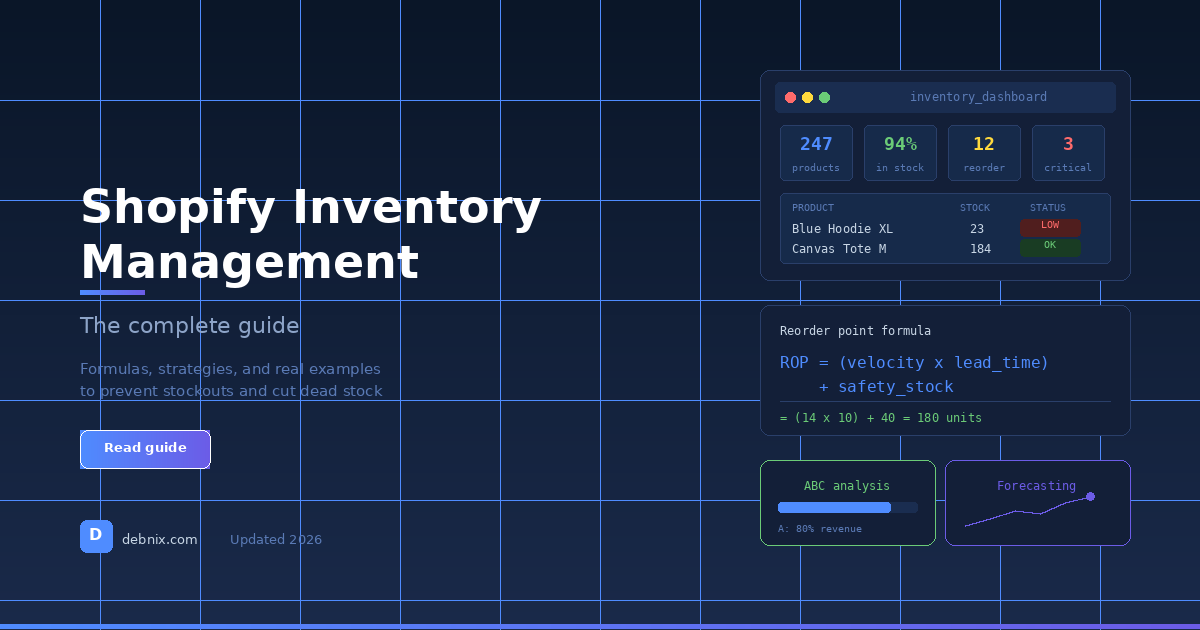
ROP = (Average Daily Sales x Lead Time) + Safety Stock
Let's use the hoodie example:
- Average daily sales (ADS): 10 units/day
- Lead time: 14 days
- Safety stock: 30 units (3 days of buffer)
ROP = (10 x 14) + 30 = 170 units
When your blue hoodie stock hits 170, place that order. The stock will arrive right as your buffer runs low.
How to find your average daily sales on Shopify
In Shopify, go to Analytics > Reports > Sales by product. Export the last 30 or 60 days.
Then divide total units sold by the number of days:
Average Daily Sales = Total Units Sold / Number of Days
If you sold 300 units in the last 30 days, your ADS is 10.
One warning: averages lie when you have seasonal spikes or a recent trend change. A 60-day average might include a slow month that drags the number down. For fast-moving or recently trending products, use the last 14-30 days. For slow movers, 60 days gives a more stable baseline.
How to determine your supplier lead time
Lead time is the number of days from when you place an order to when stock is on your shelf and ready to sell. Most sellers underestimate this.
Include every step:
- Supplier processing time (1-3 days)
- Production or picking time (varies)
- Shipping (3-21 days depending on origin)
- Customs clearance if international (1-5 days)
- Your receiving and quality check (1-2 days)
Your supplier might say 10 days. The real number is often 14-18 when you include all of that.
Track your actual lead times. If your supplier consistently delivers in 15 days but quotes 10, use 15. Your reorder point is only as accurate as your lead time estimate.
For a US-based supplier shipping domestically, 5-10 days is typical. For suppliers in China or other overseas locations, 18-30 days is more realistic.
Safety stock: your insurance policy
Safety stock is a buffer that protects you against two things: unexpected demand spikes and supplier delays.
The simple formula:
Safety Stock = (Max Daily Sales - Avg Daily Sales) x Max Lead Time
Example: your blue hoodie averages 10 sales per day but peaked at 18 on your best day. Your supplier usually takes 14 days but was once 20 days late.
Safety Stock = (18 - 10) x 20 = 160 units
That's a lot. For most Shopify sellers with one reliable supplier, a simpler approach works: 3 to 7 days of average sales as safety stock.
For the hoodie: 10 units/day x 5 days = 50 units of safety stock. Plug that back into the formula:
ROP = (10 x 14) + 50 = 190 units
Setting different reorder points for different products
Not every product deserves the same treatment. A product that drives 40% of your revenue needs tighter monitoring than one that sells 2 units a month.
Here's a practical framework:
| Velocity | Example | Review Frequency | Safety Stock |
|---|---|---|---|
| High (20+ units/day) | Best-selling SKU | Weekly or automated | 5-7 days |
| Medium (5-20 units/day) | Core catalog item | Bi-weekly | 4-5 days |
| Low (under 5 units/day) | Niche or seasonal | Monthly | 2-3 days |
Your top 20% of products by revenue probably account for 70-80% of your stockout risk. Start by calculating reorder points for those first. ABC analysis tells you exactly which tier each product falls into and how much safety stock each tier deserves.
How to automate reorder point tracking
You can set up a basic spreadsheet with columns for each product: current stock, average daily sales, lead time, safety stock, and reorder point. Add a conditional format that highlights rows where current stock is at or below the reorder point.
That works for 20-30 SKUs. Above that, manual spreadsheets get stale fast - someone forgets to update the daily sales number, or a supplier lead time changes and nobody updates the sheet.
Shopify Flow can send basic low stock alerts, but it uses static thresholds. "Alert at 50 units" means nothing without velocity context.
We built Debnix to handle this automatically - it pulls your Shopify sales data, calculates velocity per product, factors in supplier lead times, and shows you which products are at risk and when. 30-day free trial, no credit card.
For a deeper look at velocity calculations, see Daily Sales Velocity: The Key Number for Shopify Sellers. For alerts when products hit their reorder points, Shopify Inventory Alerts covers your options. And for the complete stockout prevention system, read our step-by-step guide to preventing stockouts on Shopify.
If you ship wholesale orders alongside your storefront from the same stock, a single bulk order can wipe out the buffer this formula assumes you have. See our guide on managing wholesale orders on Shopify without multiple warehouses for how to factor that in.
TL;DR
- Reorder point formula:
ROP = (Avg Daily Sales x Lead Time) + Safety Stock - Use the last 14-30 days for average daily sales on fast-moving products
- Always track your actual supplier lead time, not what they quote
- Safety stock of 3-7 days is enough for most small Shopify stores
- Prioritize your top 20% of products by revenue - that's where stockouts hurt most
- Automate this if you have more than 30 SKUs
Try Debnix free for 30 days
AI-powered inventory predictions, profit tracking, and supplier emails.
Start Free Trial