5 Shopify Inventory Mistakes That Cost You Money
These common Shopify inventory mistakes silently eat your profits. Learn what they are and how to fix each one before they cost you more.

These 5 inventory mistakes are common enough that most Shopify sellers are making at least 2 of them right now. They're not exotic problems. They're everyday habits that quietly cost money over time.
None of them are obvious in the moment. Each one feels like a reasonable approach until you do the math.
Mistake 1: Treating all products the same
Most sellers apply one inventory rule to their entire catalog. One reorder threshold. One review schedule. One level of attention.
That works when you have 10 products with similar sales patterns. It breaks quickly when you have 50+ SKUs selling at different rates with different margins and different supplier lead times.
A $7.50 cost candle selling 3 per week needs a completely different inventory strategy than a $45 cost running shoe selling 15 per day. Treating them identically means you're either over-monitoring slow products or under-monitoring fast ones.
The fix: rank your products by revenue contribution. Your top 20% of SKUs probably generate 70-80% of revenue. Those get weekly review and tighter reorder points. Your bottom 50% can be checked monthly. Put your attention where the money is. This is exactly what ABC analysis formalises — it assigns every product to an A, B, or C tier based on revenue contribution and tells you the exact management rules for each.
A fast-moving product that stocks out for 5 days at $40 margin and 12 units per day costs you $2,400. The same stockout on a slow-moving product at $8 margin and 1 unit per day costs $40. Same number of days, 60x different impact.
Mistake 2: Not knowing your real cost per unit
Revenue is not profit. Every Shopify seller knows this in theory. Most don't act on it consistently.
If you don't know your COGS (cost of goods sold) per product, you don't know your margin. And without margin data, you're making restocking and marketing decisions based on revenue - which can actively mislead you.
Here's the trap: you have a product selling $49.99 that costs $40 to source. Profit per unit: $9.99. Margin: 20%. Another product sells for $24.99 and costs $8. Profit per unit: $16.99. Margin: 68%.
The first product might outsell the second 3 to 1. In your Shopify dashboard, it looks like your winner. But the second product generates 70% more profit per unit. Every hour you spend on the first product instead of the second is a relatively bad use of time.
The fix: enter your cost per unit for every product. Calculate margin. Sort by margin, not just revenue. Let that inform where you focus. See Track Profit Margins on Shopify Without a Spreadsheet for the full setup.
Mistake 3: Setting reorder alerts based on gut feel
"Alert me at 20 units" is a number someone picked because it felt right. Not because it was calculated.
The problem: 20 units means completely different things depending on velocity.
20 units at 2/day = 10 days. Probably fine depending on lead time. 20 units at 15/day = 1.3 days. Already too late.
Static alert thresholds sound like a system but they're not. They don't account for how fast you sell or how long your supplier takes to deliver. A threshold that works for one product gives you false safety on another.
The fix: use days-of-stock instead of unit count. Set alerts at a number of days, not a number of units. "Alert me when any product has fewer than 10 days of stock remaining" is a consistent rule that works across all your SKUs regardless of velocity.
The calculation is simple: Days of Stock = Current Stock / Average Daily Sales. If that number drops below your threshold, it's time to act. For the full alert setup, Shopify Inventory Alerts: Get Notified Before Stockouts covers your options.
Mistake 4: Ignoring supplier lead time in your planning
You can't control how fast your supplier delivers. You can control when you place the order.
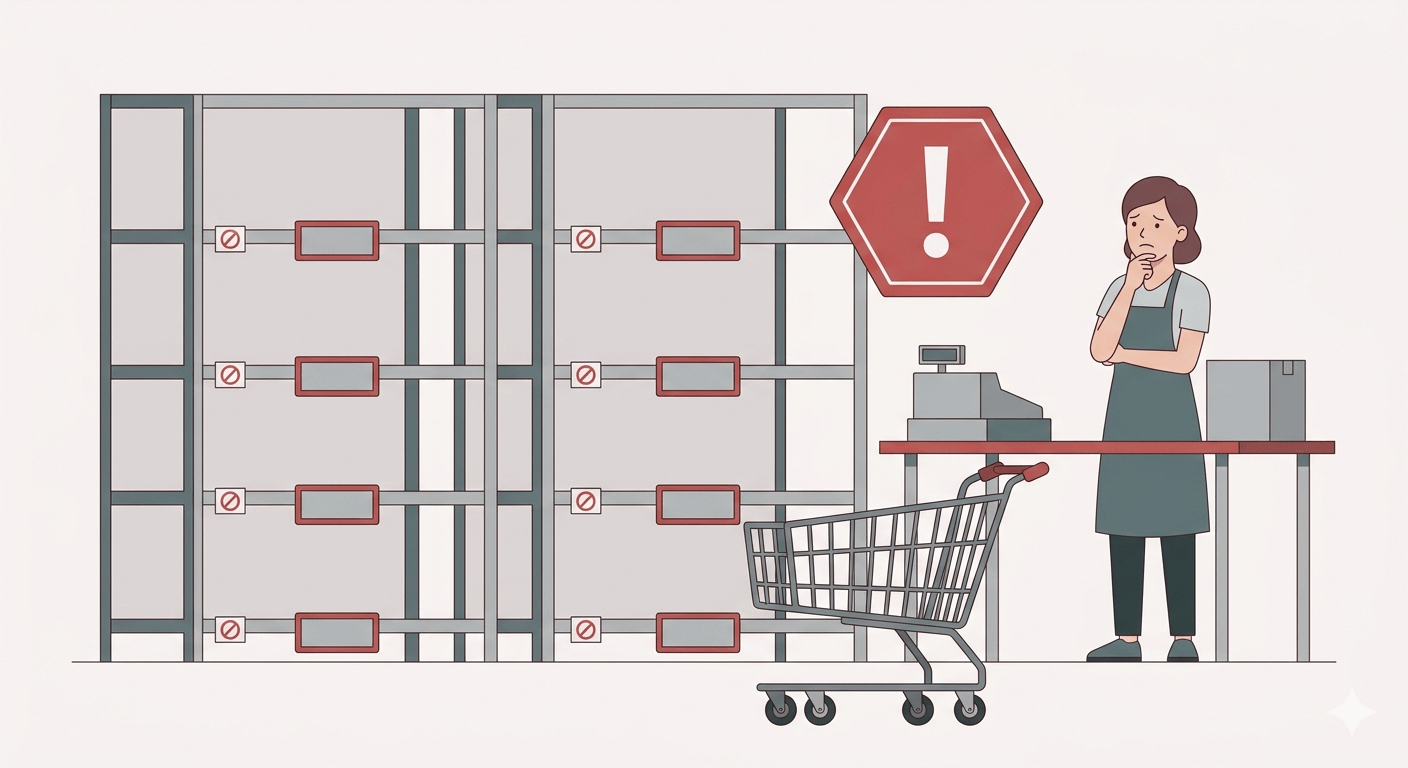
If your lead time is 14 days and you reorder when you have 7 days of stock, you're guaranteed a stockout. Stock hits zero 7 days before the order arrives. There's no version of this where it works out.
This mistake happens because sellers think of "low stock" as a stock level (20 units, 50 units) instead of a time window. The stock level that triggers a reorder has to be calculated from your actual velocity and your actual lead time.
Real example: a seller averaging 18 units per day with a 14-day supplier lead time. Reorder point should be at least 252 units (18 x 14), plus safety stock. If they're reordering at 80 units, they're creating a 9-day stockout gap every single cycle.
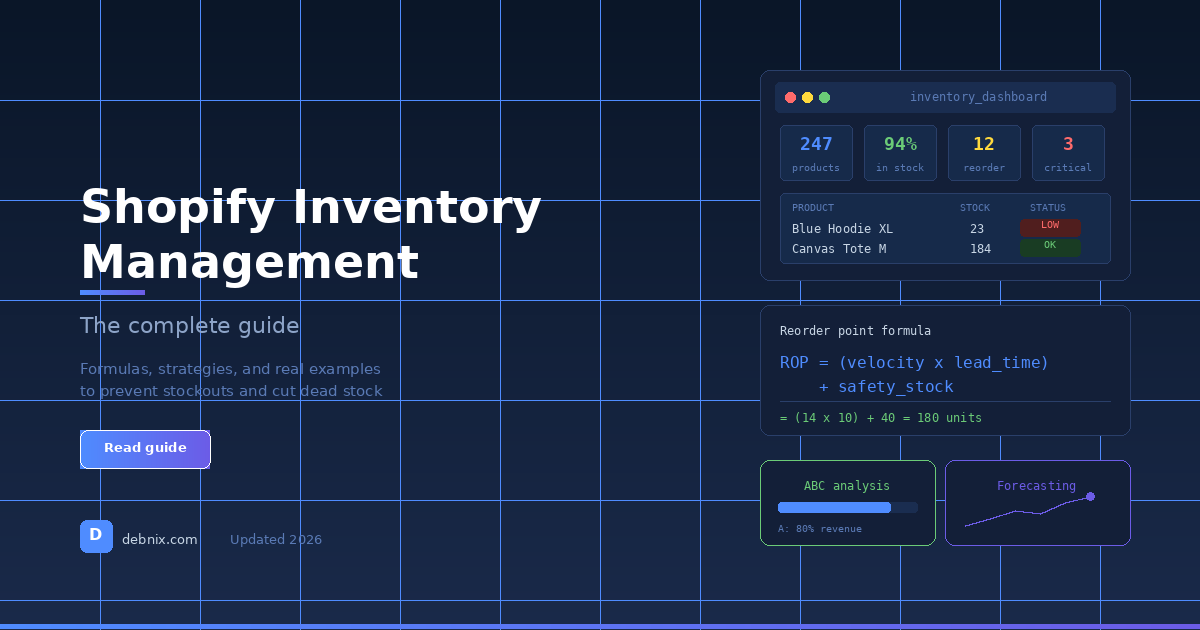
Reorder Point = (Daily Sales x Lead Time) + Safety Stock
The fix: calculate your actual reorder point using the formula. It's not guesswork. See How to Calculate Your Reorder Point on Shopify for a step-by-step walkthrough.
Mistake 5: Checking inventory only when something feels wrong
"I'll look at it tomorrow." "I'll check this weekend." "It seemed fine last time I looked."
By the time something feels wrong, it usually already is. Reactive inventory management means you're always slightly behind the problem. You find out about a stockout when it happens, not before.
The pattern looks like this: check inventory when you think about it, find a problem, fix it in a panic, restock, forget about it for a few weeks, repeat. Every cycle has a gap.
The fix: fixed weekly review, 15 minutes, same day every week. Pull up every product under 14 days of stock. Check anything with a recent velocity spike. Place any reorders that are due.
That's it. One scheduled habit replaces the "I'll get to it" approach. Most stockouts happen to sellers who were going to check tomorrow.
Alternatively, set up automated daily alerts so you don't need to remember. A morning email showing your at-risk products makes the weekly review even faster - you already know what needs attention before you sit down.
The compound effect
Each of these mistakes alone is survivable. A seller who doesn't know their exact margin is still profitable. A seller who uses static alert thresholds still catches most stockouts.
Combined, they create a store that runs reactively, loses money it doesn't see, and stockouts on the wrong products at the wrong times.
Fixing even two of these five will noticeably improve your inventory health. Start with Mistake 4 (reorder point calculation) and Mistake 3 (velocity-based alerts). Those two changes prevent the most expensive failures. For a complete step-by-step system, see our guide on how to prevent stockouts on Shopify.
Debnix automates the tracking behind all five of these - velocity per SKU, days-of-stock alerts, margin per product, and reorder timing based on supplier lead times. 7-day free trial, no credit card.
For a deeper look at velocity tracking, see Daily Sales Velocity: The Key Number for Shopify Sellers. For supplier email templates once you know what to order, Supplier Reorder Email Templates for Shopify Sellers has ready-to-use copy.
TL;DR
- Treat high-velocity, high-margin products differently than slow movers - they deserve more attention and tighter reorder points
- Know your cost per unit and margin per product - revenue can actively mislead you
- Use days-of-stock thresholds for alerts, not unit counts - the same unit threshold means different things for different products
- Calculate your reorder point:
(Daily Sales x Lead Time) + Safety Stock- guessing creates guaranteed stockout gaps - Check inventory on a fixed weekly schedule, not when you remember
- Fixing Mistakes 3 and 4 prevents the most expensive failures - start there
Try Debnix free for 30 days
AI-powered inventory predictions, profit tracking, and supplier emails.
Start Free Trial