Why Your Shopify Store Keeps Running Out of Stock
Stockouts aren't random. Here are the 5 real reasons Shopify sellers run out of stock and practical fixes for each one.
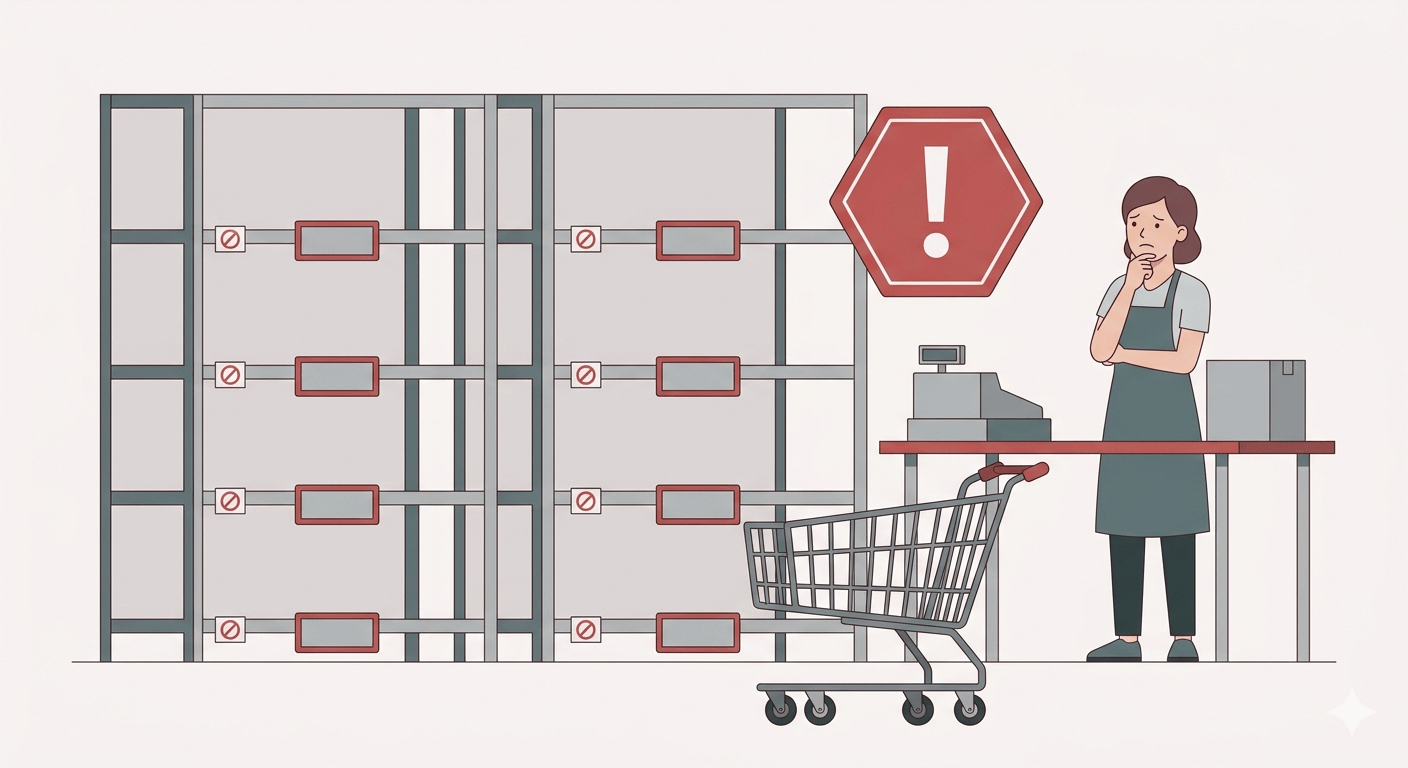
If your Shopify store keeps running out of stock, it's not bad luck. There are specific, fixable reasons it keeps happening - and most sellers are making more than one of them at the same time.
A Shopify stockout isn't just a temporary inconvenience. It's a compounding problem that costs more than the missed sales during the outage.
What a stockout actually costs you
The obvious cost: lost sales while you're out of stock. If you sell 20 units per day at $30 each, a 5-day stockout is $3,000 in lost revenue.
The less obvious costs are worse:
Customers who don't come back. Someone found your store, wanted to buy, saw "out of stock," and went to a competitor. Many won't return. You spent money acquiring that customer and got nothing.
Shopify search and ranking drop. Out-of-stock products perform worse in Shopify search results. Depending on your niche, this can take weeks to recover from after restocking.
Emergency reorder premium. When you're desperate, you pay more. Rush shipping, higher minimums, less negotiating leverage. A planned reorder at normal shipping costs $200 less than a panicked one.
5 reasons you keep running out
1. You're watching stock levels, not sales velocity
This is the most common mistake. You see 100 units in stock and think "I'm fine." But 100 units means completely different things depending on how fast you sell.
Product A: 100 units, sells 5 per day = 20 days of stock. Fine. Product B: 100 units, sells 25 per day = 4 days of stock. Emergency.
The number that actually matters is days of stock remaining:
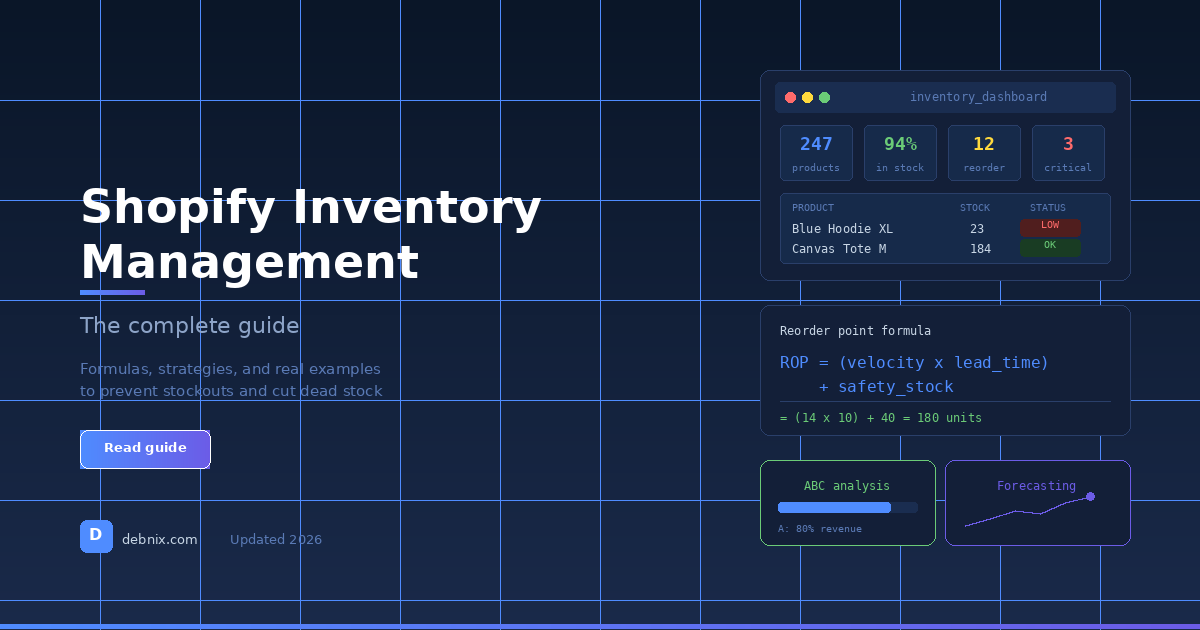
Days of Stock = Current Stock / Average Daily Sales
Most sellers never calculate this. They look at the raw number and make a judgment call that's often wrong.
2. You're not accounting for supplier lead time
"Low stock" means something different depending on your supplier.
If your lead time is 14 days and you have 10 days of stock left, you're already past the point of no return. Stock will hit zero 4 days before the order arrives.
Most sellers set mental alerts at round numbers - "I'll reorder when I'm under 50 units" - without connecting that number to how fast they sell or how long restocking takes.
The fix: your danger zone should be calculated, not guessed. If you sell 8 units per day and your supplier takes 14 days, you need to reorder when you have at least 112 units - plus safety stock on top of that.
3. Demand spiked and you didn't notice
Sales velocity doesn't stay constant. A TikTok mention, an influencer post, a competitor going out of stock, a seasonal shift - any of these can double or triple your daily sales overnight.
Without trend monitoring, you find out when you check stock and it's already zero.
Real example: a product that normally sells 8 per day gets mentioned in a TikTok video. Sales jump to 40 per day. You had 80 units - that felt like 10 days of stock at normal velocity. At the new velocity, it's 2 days. By the time you notice, you're already out.
Velocity-aware monitoring catches this. If your 7-day average is 40% higher than your 30-day average, something is happening and you need to know before stock runs out.
4. Your data lives in 5 different places
- Shopify admin for stock counts
- A spreadsheet for reorder tracking
- Email threads for supplier communication
- A calendar reminder for "check inventory"
- Your memory for everything else
Every handoff between tools is a place where something falls through the gap. A reorder reminder gets missed. The spreadsheet isn't updated. The email to the supplier goes to the wrong folder.
The more steps between "I should check inventory" and "order is placed," the more likely a stockout slips through.
5. You check inventory when you remember, not on a schedule
"I'll look at it tomorrow" is how stockouts happen.
By the time a product "feels low," it's often already in the danger zone. Reactive inventory management means you're always slightly behind. You're restocking products that already ran out instead of catching them before they do.
The difference between reactive and predictive is one habit: a fixed weekly review of days-of-stock for your top products.
Three changes that prevent 90% of stockouts
1. Track days of stock per SKU, not just unit count.
Add a column to whatever you use: current stock divided by average daily sales. Sort by this number. Anything under 14 days needs attention this week.
2. Set reorder alerts based on lead time plus safety stock.
Your alert threshold should be: (daily sales x lead time) + safety stock. Not a round number you picked because it felt right. See our full breakdown in How to Calculate Your Reorder Point on Shopify.
3. Review at-risk products on a fixed weekly schedule.
Pick a day - Monday morning, Friday afternoon, whatever works. Spend 15 minutes looking at anything under 14 days of stock. That one habit prevents most stockouts before they happen.
Knowing which products to protect most is where ABC analysis helps — it tells you which 20% of your catalog drives 70% of revenue so you know where to focus your safety stock and tightest reorder points.
Tools that help
For sellers with fewer than 30 SKUs and a simple supply chain, a spreadsheet with the formulas above works fine. You update it weekly, flag anything low, and place orders manually.
For stores with more SKUs or faster-moving inventory, manual tracking breaks down. Shopify Flow can send basic alerts but only on static thresholds - no velocity awareness.
Debnix calculates velocity per product, factors in supplier lead times, and sends you a daily email showing exactly which products are at risk and when they'll stock out. 30-day free trial, no credit card.
For setting up the right alerts, Shopify Inventory Alerts covers your options from free to paid. For the complete step-by-step prevention system, see our stockout prevention guide for Shopify.
TL;DR
- A 5-day stockout at 20 units/day and $30/unit = $3,000 in lost revenue, plus customer loss and ranking damage
- Track days of stock remaining, not just unit count
- If lead time is 14 days and you have 10 days of stock, you're already too late
- Demand spikes can turn 10 days of stock into 2 days overnight
- Fix: calculate reorder points, set velocity-aware alerts, review weekly on a schedule
Try Debnix free for 30 days
AI-powered inventory predictions, profit tracking, and supplier emails.
Start Free Trial